
AI editing tool · by Kubflow
Auto Subtitles on Kubflow
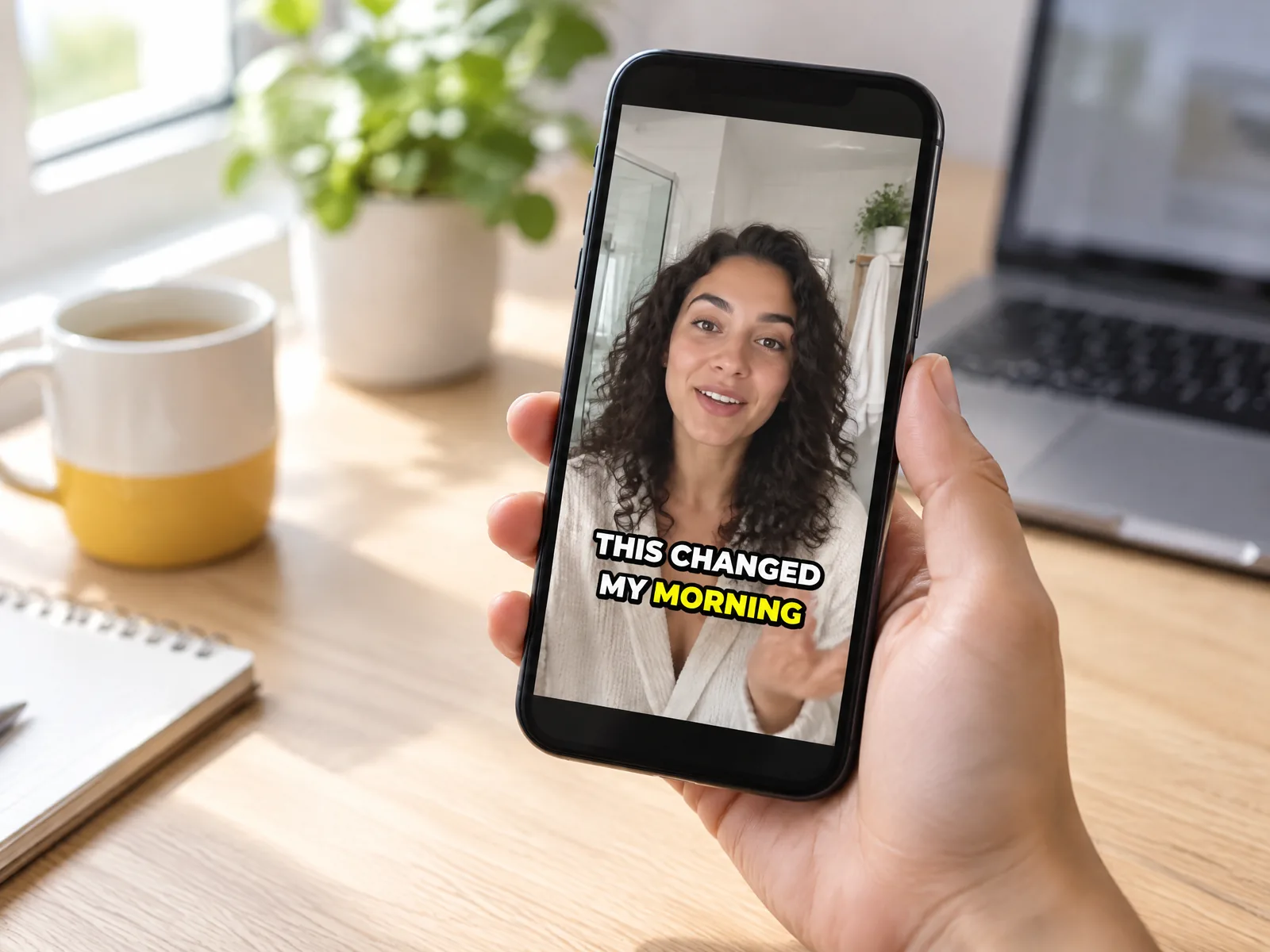
Turn speech into styled, animated captions burned into your video, for 3 credits.
- From
- 3 credits
- Styles
- Font, size, colour, outline, background box and highlight colour
- Made by
- Kubflow
What is Auto Subtitles?
Auto Subtitles transcribes the speech in your video with ElevenLabs speech to text and burns in captions in the style you choose: font, size, colour, highlight, position and word-by-word animation. Most people watch social videos on mute, so captions keep them watching.
- Captions for TikTok, Reels and Shorts
- Word-by-word highlighted captions
- Making videos work on mute
Specs
- Speech to text
- ElevenLabs
- Styles
- Font, size, colour, outline, background box and highlight colour
- Animation
- Word by word, or static
- Position
- Top, middle, bottom or custom
Auto Subtitles price
| Generation | Credits | On Growth |
|---|---|---|
| One video | 3 | ≈ $0.03 |
Growth is $49 a month for 4,500 credits. Every generation shows its exact price before you start.
How to use Auto Subtitles on Kubflow
- 01
Open a workflow
Add a Auto Subtitles node to the canvas and connect your inputs to it.
- 02
Add your file
Upload the image or video, or connect one you made on Kubflow, and choose the settings.
- 03
Check the price and generate
The exact credit cost shows before you start. Results are saved to your history and assets.
Tips for Auto Subtitles
- Use 2 to 4 words per line for social videos.
- Highlight the current word in your brand colour.
- Keep captions out of the bottom fifth, where app buttons sit.
Questions
Which languages does Auto Subtitles support?
It uses ElevenLabs speech to text, which handles many languages.
Can I style the captions?
Yes. Choose the font, size, colours, outline, background box, highlight colour, position and animation.
Do I need a separate Kubflow subscription?
No. Kubflow gives you Auto Subtitles and every other leading image, video and audio model with one plan and one credit balance.
Compare with
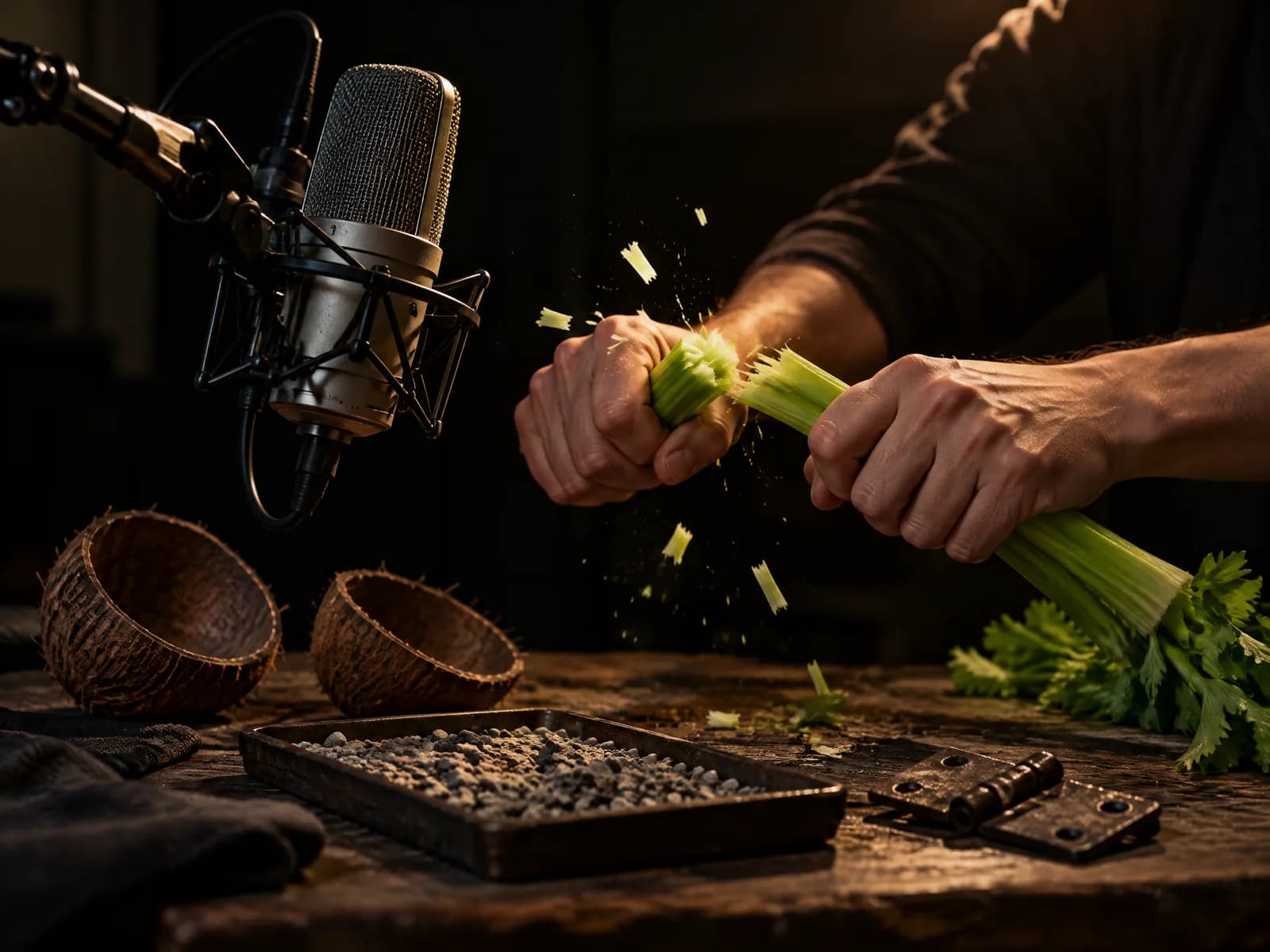 ElevenLabsAI Sound EffectsDescribe a sound and get it: whooshes, impacts, ambience and foley, up to 30 seconds, for a couple of credits.
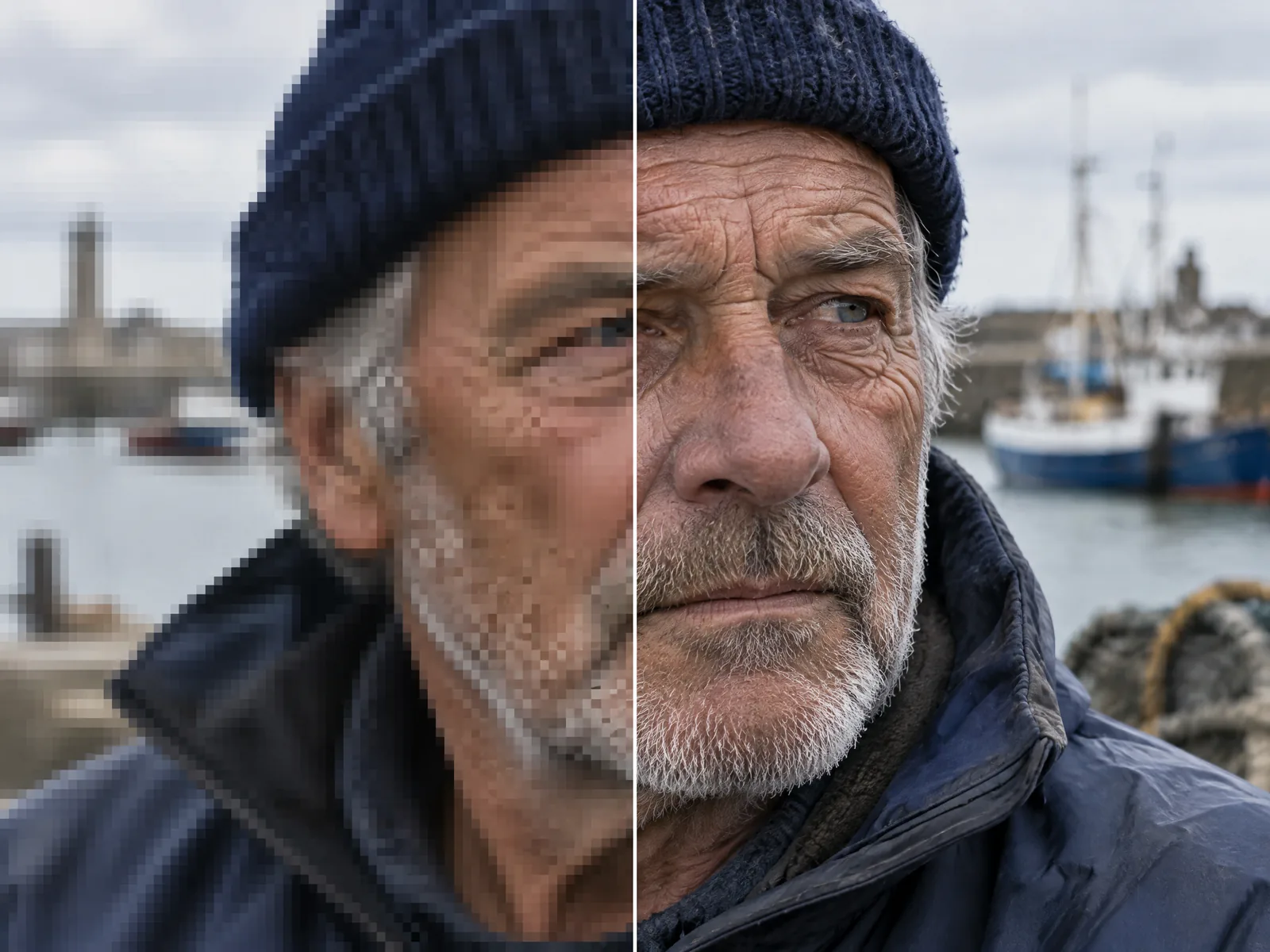 Topaz LabsAI UpscalerTopaz upscaling for images up to 8x and videos up to 4x, without regenerating them.
 GoogleGemini Omni 1.1 FlashGoogle's video model with good speech and readable text, priced per clip. Kubflow's default for someone talking to camera.
Try Auto Subtitles today
Plans from $19 a month, with every model included.