
AI editing tool · by Recraft
Remove Background on Kubflow
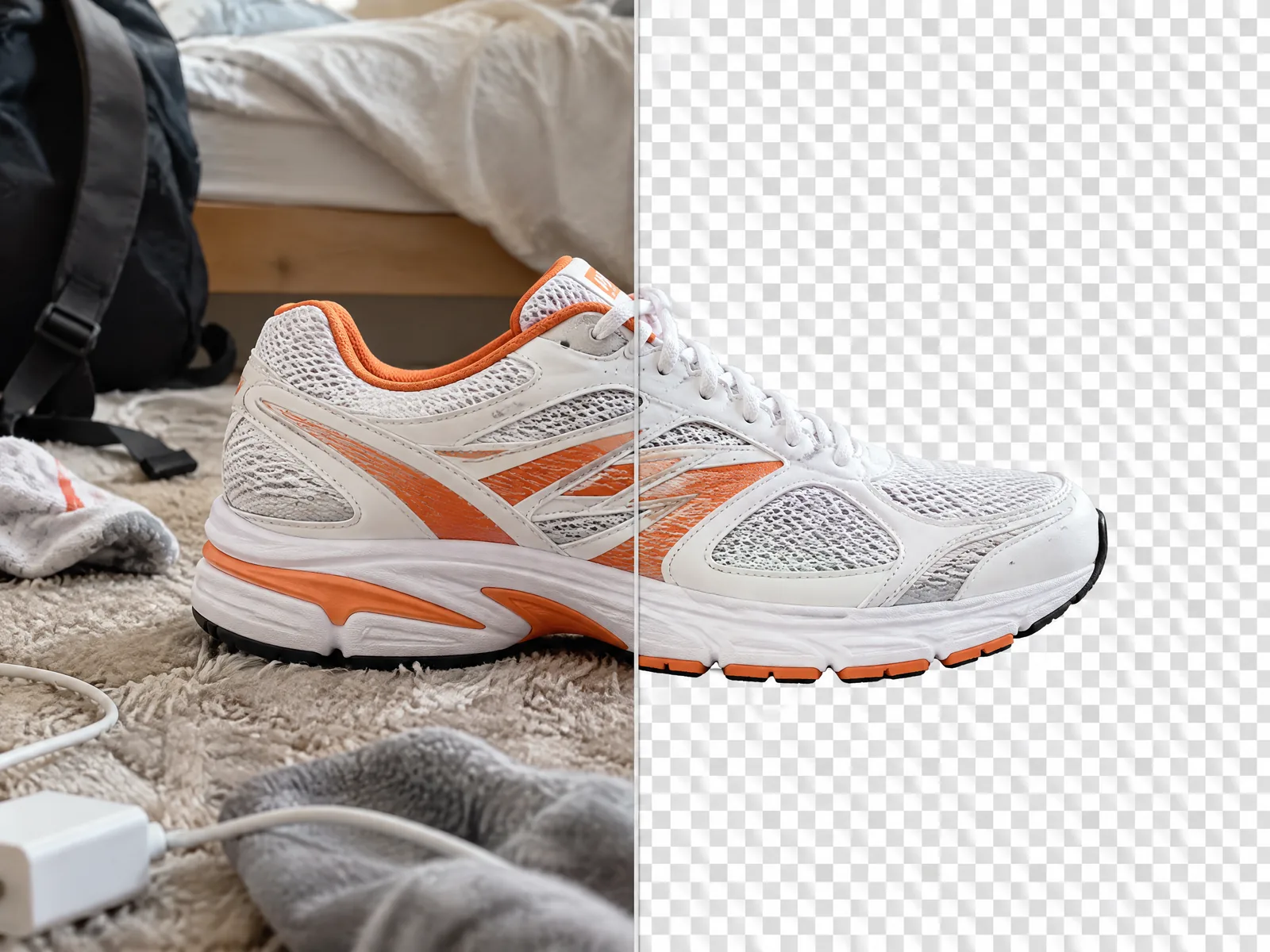
Cut out any product or person onto a transparent background in seconds, for 2 credits.
- From
- 2 credits
- Input
- PNG, JPG or WebP, up to 5 MB and 4096 px
- Output
- Transparent PNG
- Made by
- Recraft
What is Remove Background?
Remove Background cuts the subject out of a photo with clean edges and gives you a transparent PNG. Use it to put a product into a new scene, make clean catalogue shots, or prepare images for ads and thumbnails.
- Clean product cut-outs
- Putting a product into a new scene
- Thumbnails and ad layouts
Specs
- Made by
- Recraft
- Input
- PNG, JPG or WebP, up to 5 MB and 4096 px
- Output
- Transparent PNG
Remove Background price
| Generation | Credits | On Growth |
|---|---|---|
| One image | 2 | ≈ $0.02 |
Growth is $49 a month for 4,500 credits. Every generation shows its exact price before you start.
How to use Remove Background on Kubflow
- 01
Open the image generator
Pick Remove Background from the model menu, or let Auto choose the model for you.
- 02
Add your file
Upload the image or video, or connect one you made on Kubflow, and choose the settings.
- 03
Check the price and generate
The exact credit cost shows before you start. Results are saved to your history and assets.
Tips for Remove Background
- Use a photo where the subject is in focus and fully in frame.
- Cut out the product first, then place it in a new scene with GPT Image 2.5 or Nano Banana.
- For a new background in one step, ask an image model to edit the scene instead.
Questions
How much does background removal cost?
2 credits per image.
What do I get back?
A PNG with a transparent background, ready to place anywhere.
Do I need a separate Recraft subscription?
No. Kubflow gives you Remove Background and every other leading image, video and audio model with one plan and one credit balance.
Compare with
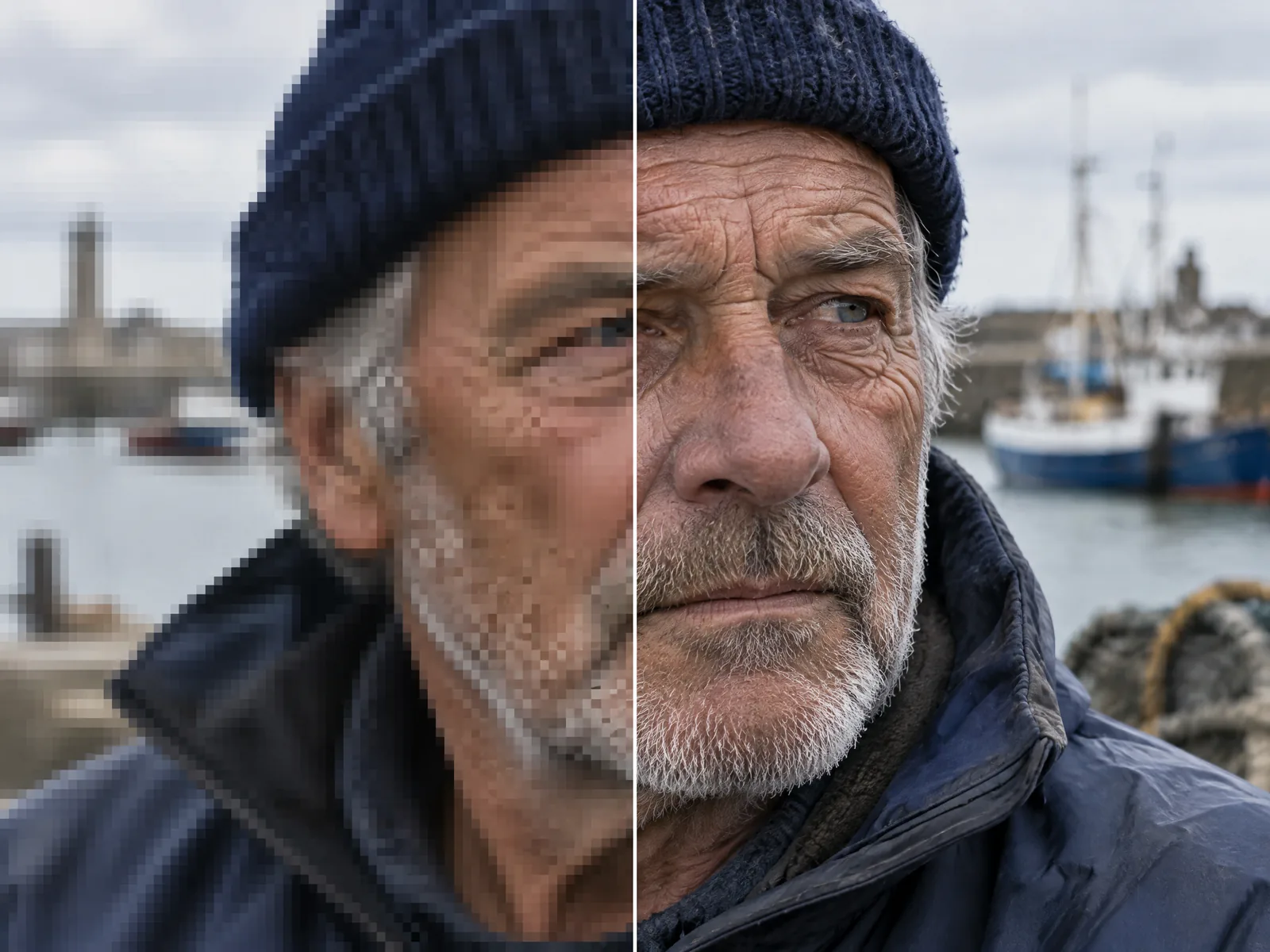 Topaz LabsAI UpscalerTopaz upscaling for images up to 8x and videos up to 4x, without regenerating them.
 OpenAIGPT Image 2.5OpenAI's image model: photoreal product shots, people and text, faithful to your product's label, with up to 16 references.
 GoogleNano Banana 2Google's fast image model: near-Pro quality, about half the price, and up to 14 references for consistent characters.
Try Remove Background today
Plans from $19 a month, with every model included.