
AI video model · by Kuaishou
Kling 3.0 on Kubflow
Strong motion and faces, and the video model that keeps labels and text from your start frame most faithfully.
- From
- 58 credits
- Length
- 3 to 15 seconds (Kling 2.6: 5 or 10)
- Quality
- 720p, 1080p or 4K
- Made by
- Kuaishou
What is Kling 3.0?
Kling 3.0 makes 3 to 15 second videos from a prompt or a start frame, with native sound. Kubflow also has Kling 2.6 for shorter 5 or 10 second clips, and Kling Motion Control, which makes a character photo copy the movement of a person in a video.
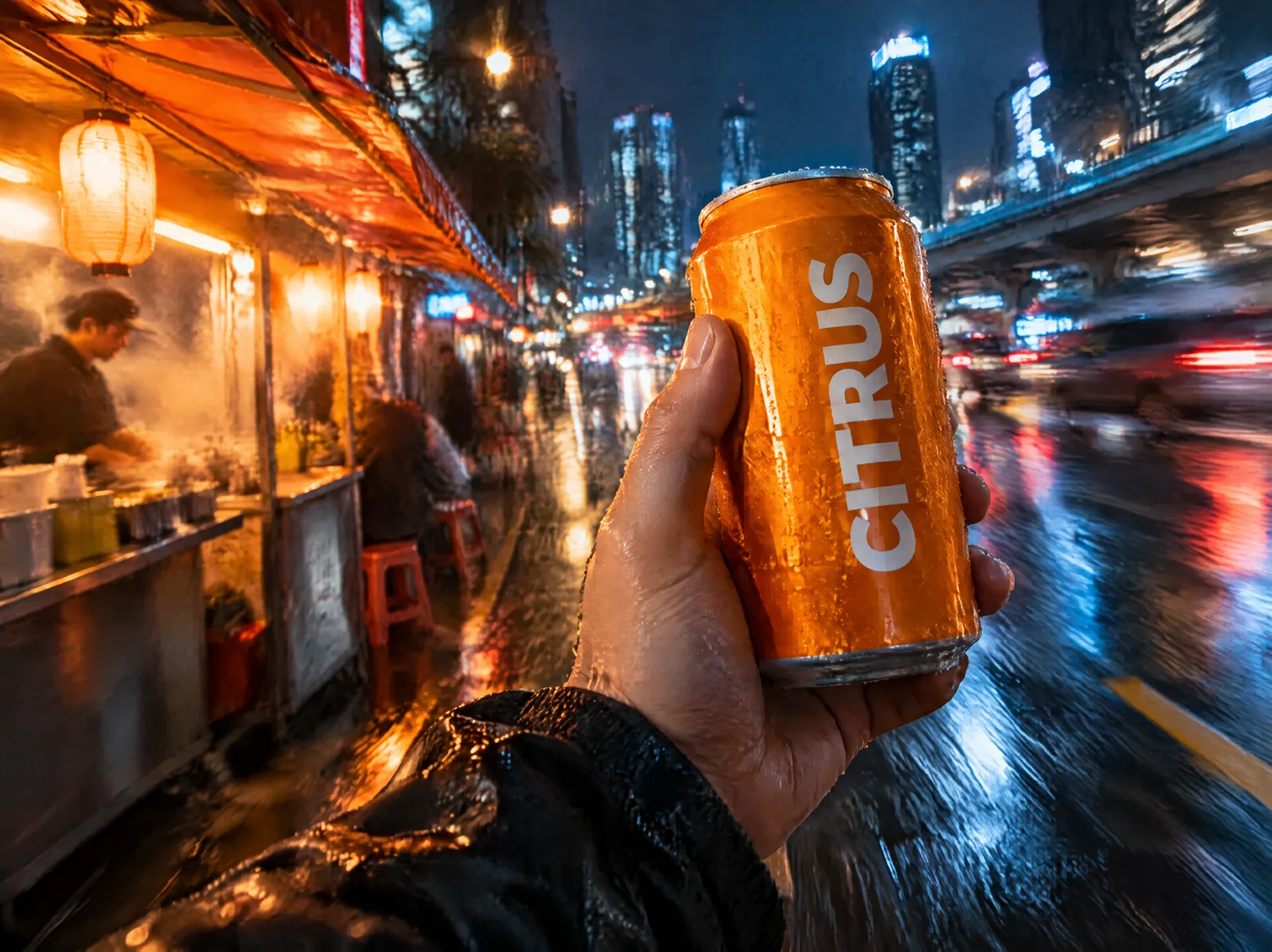
- Product shots where the label and text must stay readable
- People and faces in motion
- Animating a still into a 3 to 15 second clip
Specs
- Made by
- Kuaishou
- Inputs
- Text, start frame, optional end frame
- Length
- 3 to 15 seconds (Kling 2.6: 5 or 10)
- Quality
- 720p, 1080p or 4K
- Aspect ratios
- 1:1, 16:9, 9:16
- Sound
- Native audio, or silent
Kling 3.0 price
| Generation | Credits | On Growth |
|---|---|---|
| 5 s at 720p | 73 | ≈ $0.79 |
| 5 s at 1080p with sound | 141 | ≈ $1.54 |
| 5 s in 4K | 349 | ≈ $3.80 |
| Kling 2.6, 5 s | 58 | ≈ $0.63 |
| Kling 3.0 Motion Control, 5 s at 720p | 104 | ≈ $1.13 |
Growth is $49 a month for 4,500 credits. Every generation shows its exact price before you start.
How to use Kling 3.0 on Kubflow
- 01
Open the video generator
Pick Kling 3.0 from the model menu, or let Auto choose the model for you.
- 02
Describe it
Write the shot, add a start frame or references, and pick the length and quality.
- 03
Check the price and generate
The exact credit cost shows before you start. Results are saved to your history and assets.
How to prompt Kling 3.0
- For one shot, start with “One continuous long take without any cuts”.
- Then describe the subject, one main action, the camera, the light and the sound.
- Write dialogue as Name (tone): line.
- Turn sound off for silent B-roll.
One continuous long take without any cuts. A hand lifts a cold orange soda can from a bucket of ice on a neon-lit street at night and turns the label toward the camera as condensation runs down the can. Slow push-in, shallow depth of field. Sound: ice clinking, distant traffic.
Questions
Can I use Kling 3.0 with my own photo?
Yes. Upload a start frame and Kling animates it; you can also add an end frame for where the shot should finish.
How long can a Kling 3.0 video be?
Between 3 and 15 seconds per clip on Kubflow. Kling 2.6 makes 5 or 10 second clips.
Do I need a separate Kling subscription?
No. Kubflow gives you Kling 3.0 and every other leading image, video and audio model with one plan and one credit balance.
Compare with
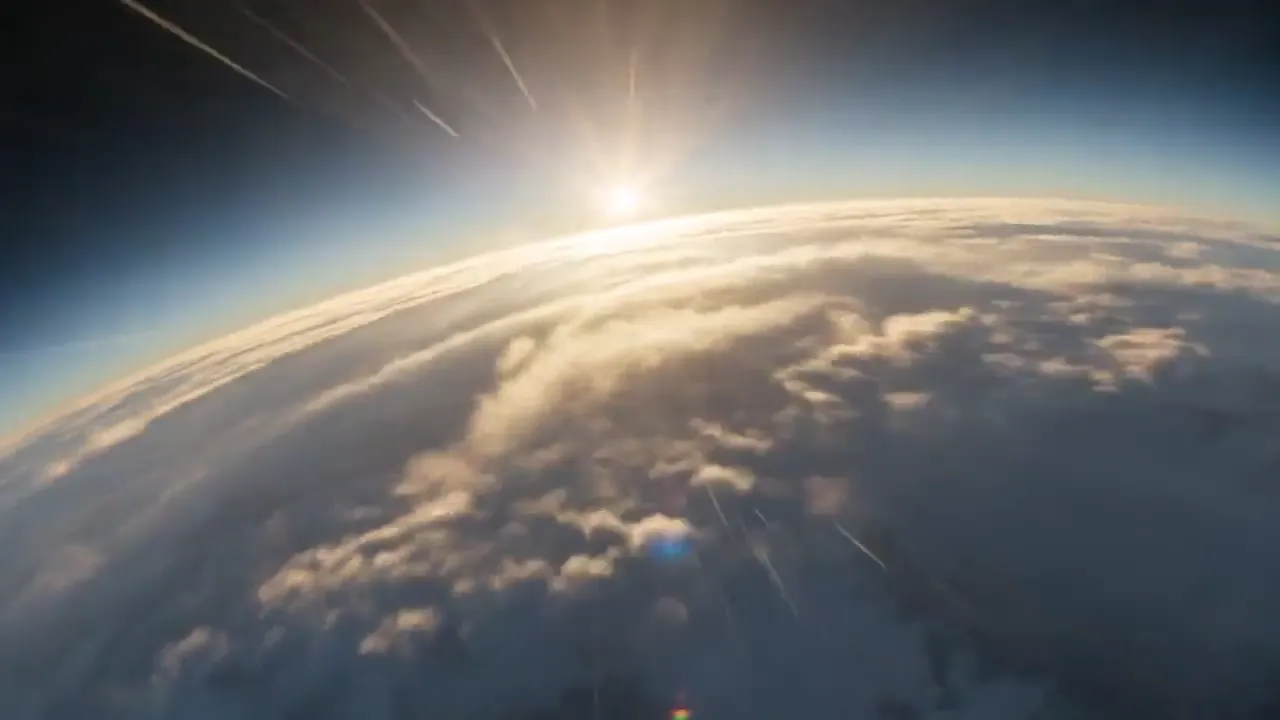 ByteDanceSeedance 2.5ByteDance's flagship video model: top-tier realism, up to 30 seconds, and the most references of any model.
 GoogleVeo 3.1Google's video model with native audio and cinematic camera work, in quality, fast and lite modes.
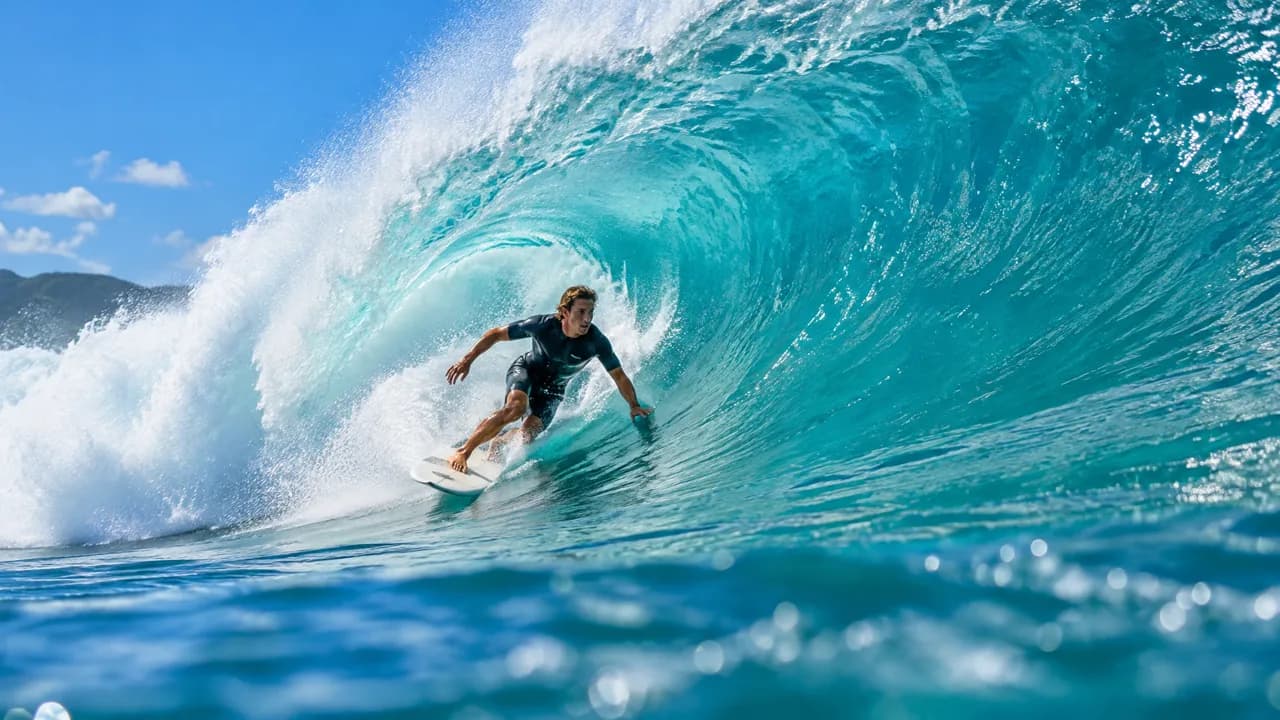 AlibabaWan 3.0Alibaba's video model: up to 30 seconds, with image, video and audio references and sound on by default.
Try Kling 3.0 today
Plans from $19 a month, with every model included.