
AI video model · by Kuaishou
Kling Motion Control on Kubflow
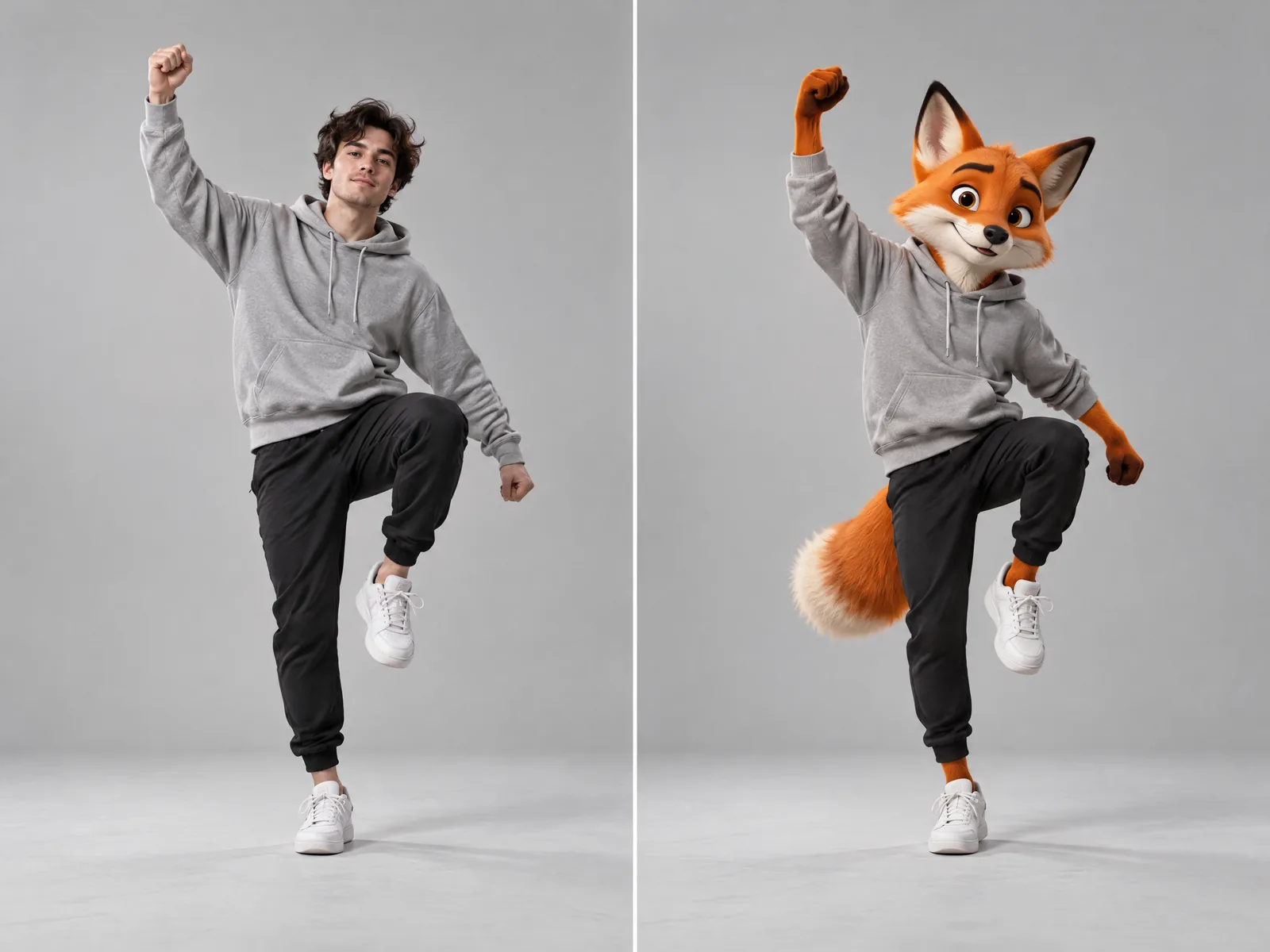
Make any character photo copy the movement of a person in a video: dances, gestures and full performances.
- From
- 58 credits
- Length
- Follows the reference video
- Quality
- 720p or 1080p
- Made by
- Kuaishou
What is Kling Motion Control?
Kling Motion Control takes a photo of a character and a video of a person moving, and makes the character perform the same movement. Use it for dance trends, mascots, avatars and putting the same performance on a different person. Kubflow has Kling 3.0 Motion Control for the best quality and the cheaper Kling 2.6 Motion Control.
- Dance and trend videos with your own character
- Animating mascots and avatars
- Putting one performance on another person
Specs
- Made by
- Kuaishou
- Inputs
- A character photo and a reference video of one person
- Length
- Follows the reference video
- Quality
- 720p or 1080p
- Versions
- Kling 3.0 Motion Control and 2.6 Motion Control
Kling Motion Control price
| Generation | Credits | On Growth |
|---|---|---|
| Kling 2.6 Motion, 5 s at 720p | 58 | ≈ $0.63 |
| Kling 2.6 Motion, 5 s at 1080p | 94 | ≈ $1.02 |
| Kling 3.0 Motion, 5 s at 720p | 104 | ≈ $1.13 |
| Kling 3.0 Motion, 5 s at 1080p | 141 | ≈ $1.54 |
Growth is $49 a month for 4,500 credits. Every generation shows its exact price before you start.
How to use Kling Motion Control on Kubflow
- 01
Open a workflow
Add a Kling Motion Control node to the canvas and connect your inputs to it.
- 02
Describe it
Write the shot, add a start frame or references, and pick the length and quality.
- 03
Check the price and generate
The exact credit cost shows before you start. Results are saved to your history and assets.
How to prompt Kling Motion Control
- Use a character photo where the head and upper body are clearly visible.
- The reference video works best with one person, one continuous take, a still camera and moderate speed.
- Keep the prompt short: what the character wears and where they are.
The fox character performs the dance from the video, keeping its grey hoodie and black joggers. Plain light grey studio background.
Questions
What do I need for Kling Motion Control?
A photo of the character and a short video of a person doing the movement. The character copies the movement exactly.
Can I use a cartoon or 3D character?
Yes. Real people, cartoons, 3D characters and mascots all work, as long as the head and body are clear in the photo.
Do I need a separate Kling subscription?
No. Kubflow gives you Kling Motion Control and every other leading image, video and audio model with one plan and one credit balance.
Compare with
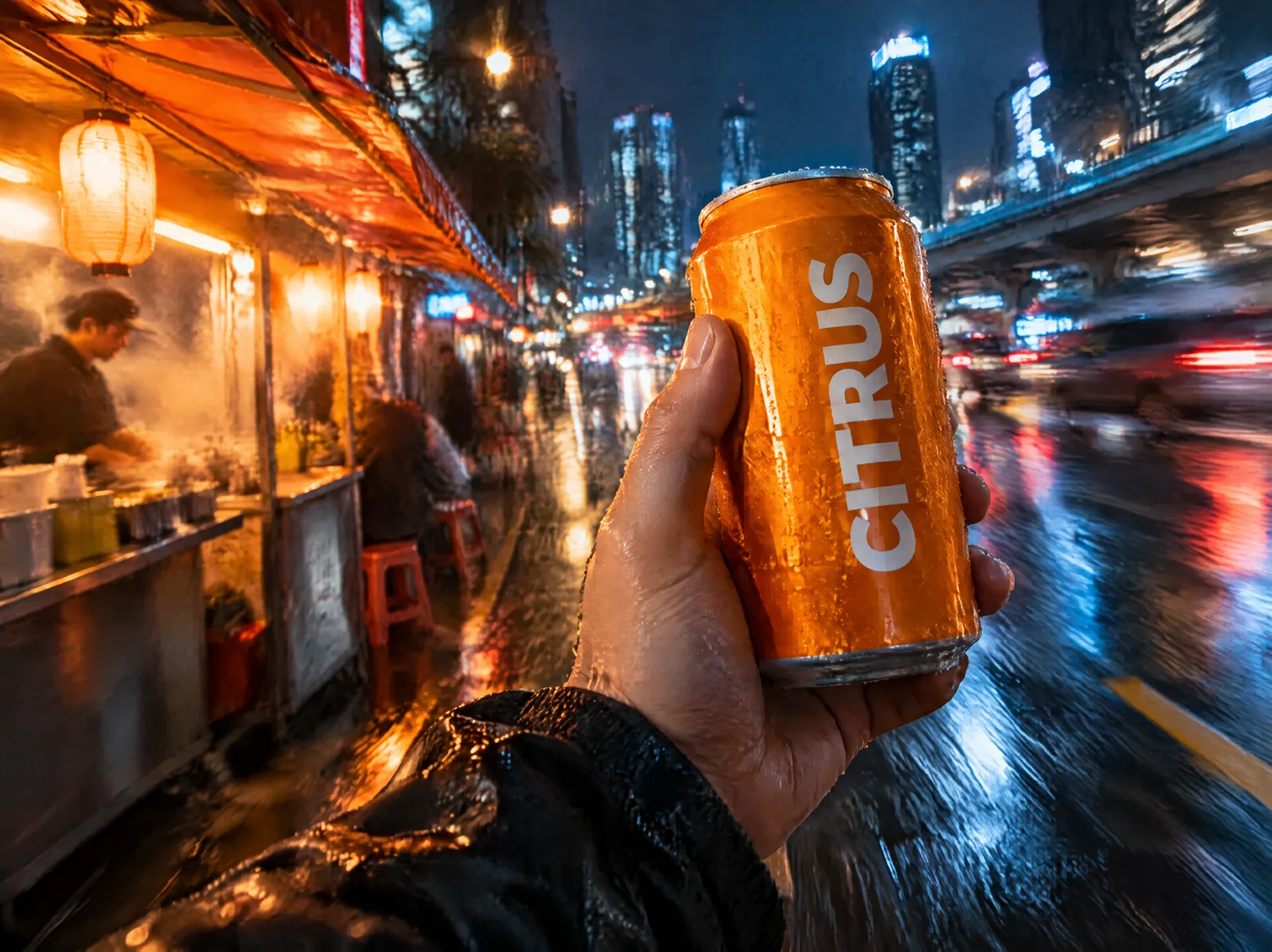 KuaishouKling 3.0Strong motion and faces, and the video model that keeps labels and text from your start frame most faithfully.
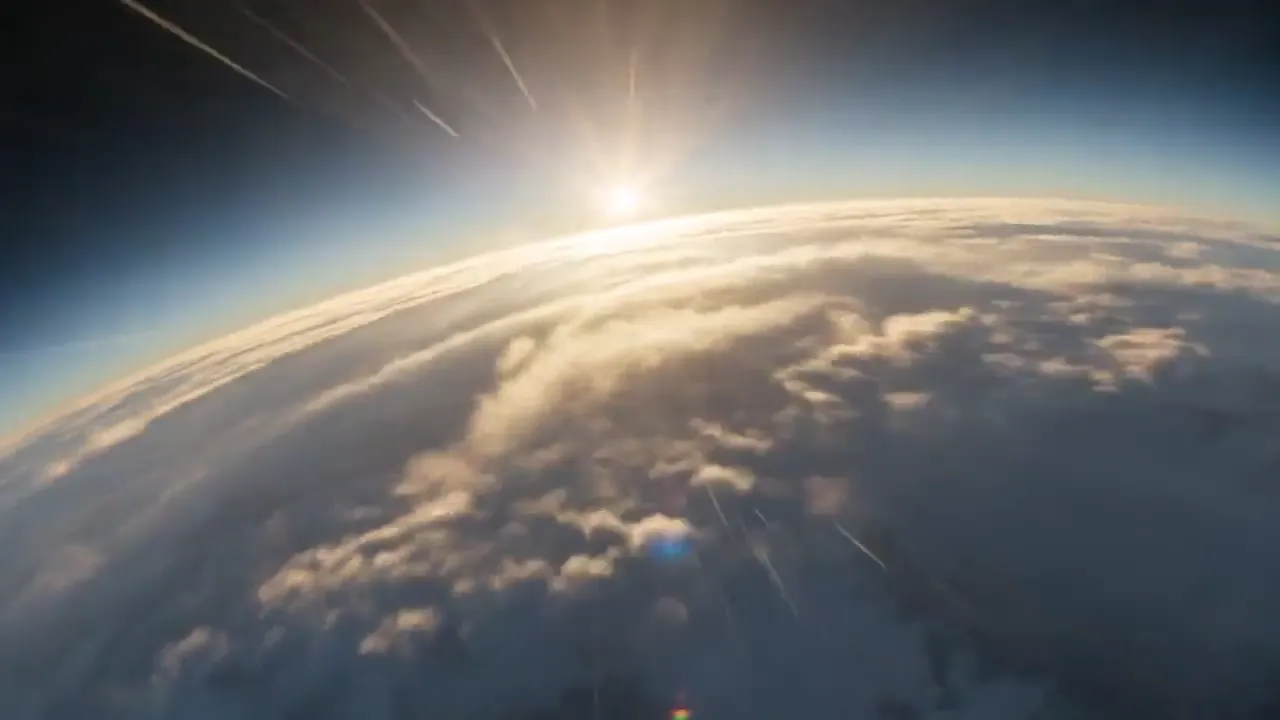 ByteDanceSeedance 2.5ByteDance's flagship video model: top-tier realism, up to 30 seconds, and the most references of any model.
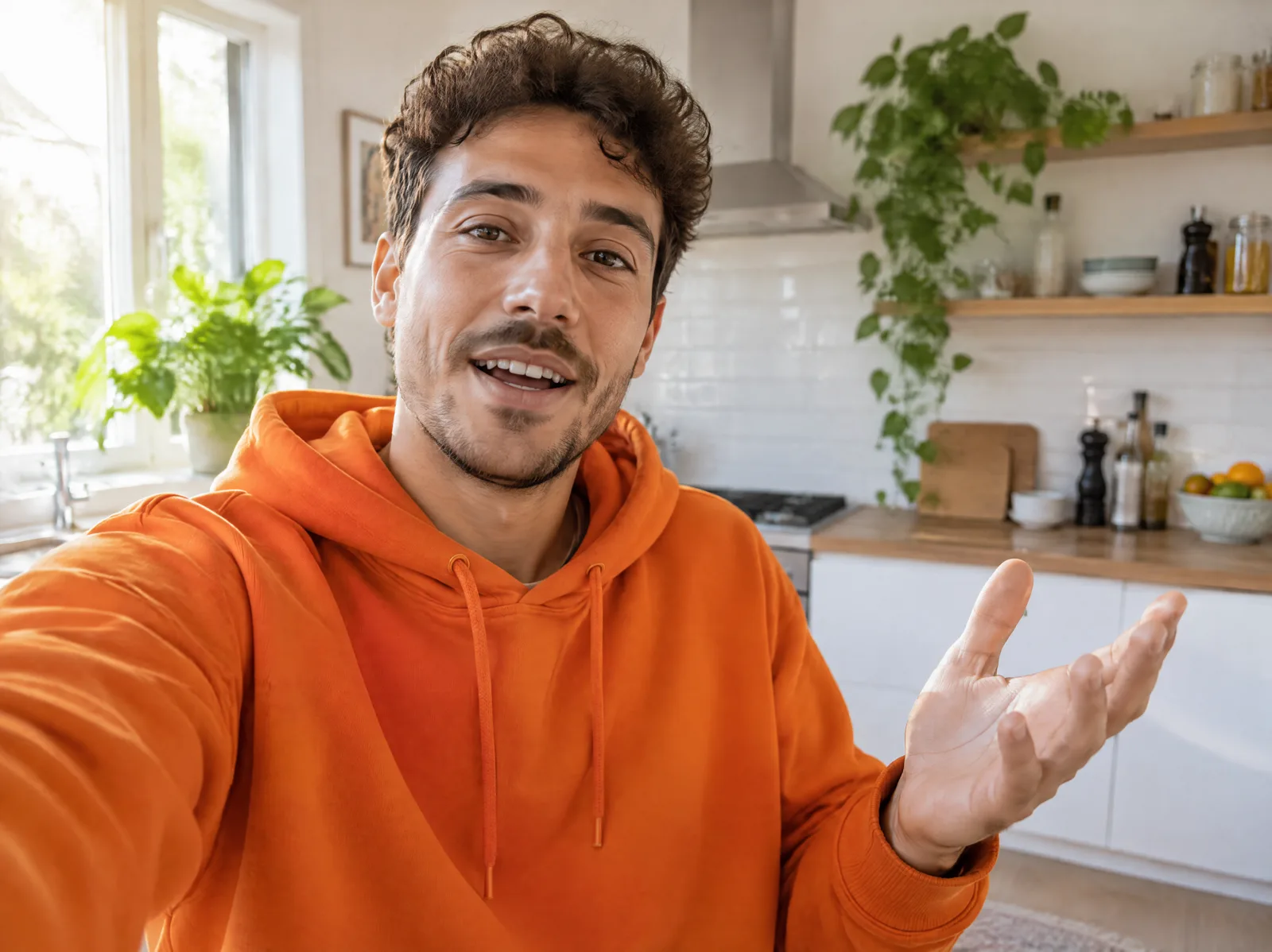 GoogleGemini Omni 1.1 FlashGoogle's video model with good speech and readable text, priced per clip. Kubflow's default for someone talking to camera.
Try Kling Motion Control today
Plans from $19 a month, with every model included.