
AI video model · by ByteDance
Seedance 2.0 on Kubflow
ByteDance's Seedance 2.0 with its cheaper Fast and Mini versions: great image-to-video motion from about 20 credits a clip.
- From
- 20 credits
- Length
- 4 to 15 seconds
- Quality
- 480p to 4K (Fast and Mini: 480p or 720p)
- Made by
- ByteDance
What is Seedance 2.0?
Seedance 2.0 makes 4 to 15 second videos from text, a first and last frame, or up to 9 images, 3 videos and 3 audio clips as references. Its motion is among the best for image to video. Seedance 2.0 Fast and Mini use the same inputs at 480p or 720p for much less, which makes them good for drafts and high-volume ads.
- Animating a product or person from one photo
- Cheap drafts before a final render (Mini)
- Keeping characters consistent with references
Specs
- Made by
- ByteDance
- Versions
- Seedance 2.0, 2.0 Fast and 2.0 Mini
- Inputs
- Text; first and last frame, or up to 9 images, 3 videos and 3 audio references
- Length
- 4 to 15 seconds
- Quality
- 480p to 4K (Fast and Mini: 480p or 720p)
- Sound
- Native audio, or silent
Seedance 2.0 price
| Generation | Credits | On Growth |
|---|---|---|
| Mini, 5 s at 480p | 20 | ≈ $0.22 |
| Mini, 5 s at 720p | 43 | ≈ $0.47 |
| Fast, 5 s at 480p | 61 | ≈ $0.66 |
| Fast, 5 s at 720p | 129 | ≈ $1.40 |
| Seedance 2.0, 5 s at 720p | 214 | ≈ $2.33 |
| Seedance 2.0, 5 s at 1080p | 531 | ≈ $5.78 |
Growth is $49 a month for 4,500 credits. Every generation shows its exact price before you start.
How to use Seedance 2.0 on Kubflow
- 01
Open the video generator
Pick Seedance 2.0 from the model menu, or let Auto choose the model for you.
- 02
Describe it
Write the shot, add a start frame or references, and pick the length and quality.
- 03
Check the price and generate
The exact credit cost shows before you start. Results are saved to your history and assets.
How to prompt Seedance 2.0
- Write shots, not timestamps: Shot 1, Shot 2, with one camera move per shot.
- Name references by type and order (“@Image 1 is the dancer”).
- Add “No subtitles, no logo or watermark”, and turn audio off for silent clips.
- Use Mini for speech-free drafts; it isn't made for talking.
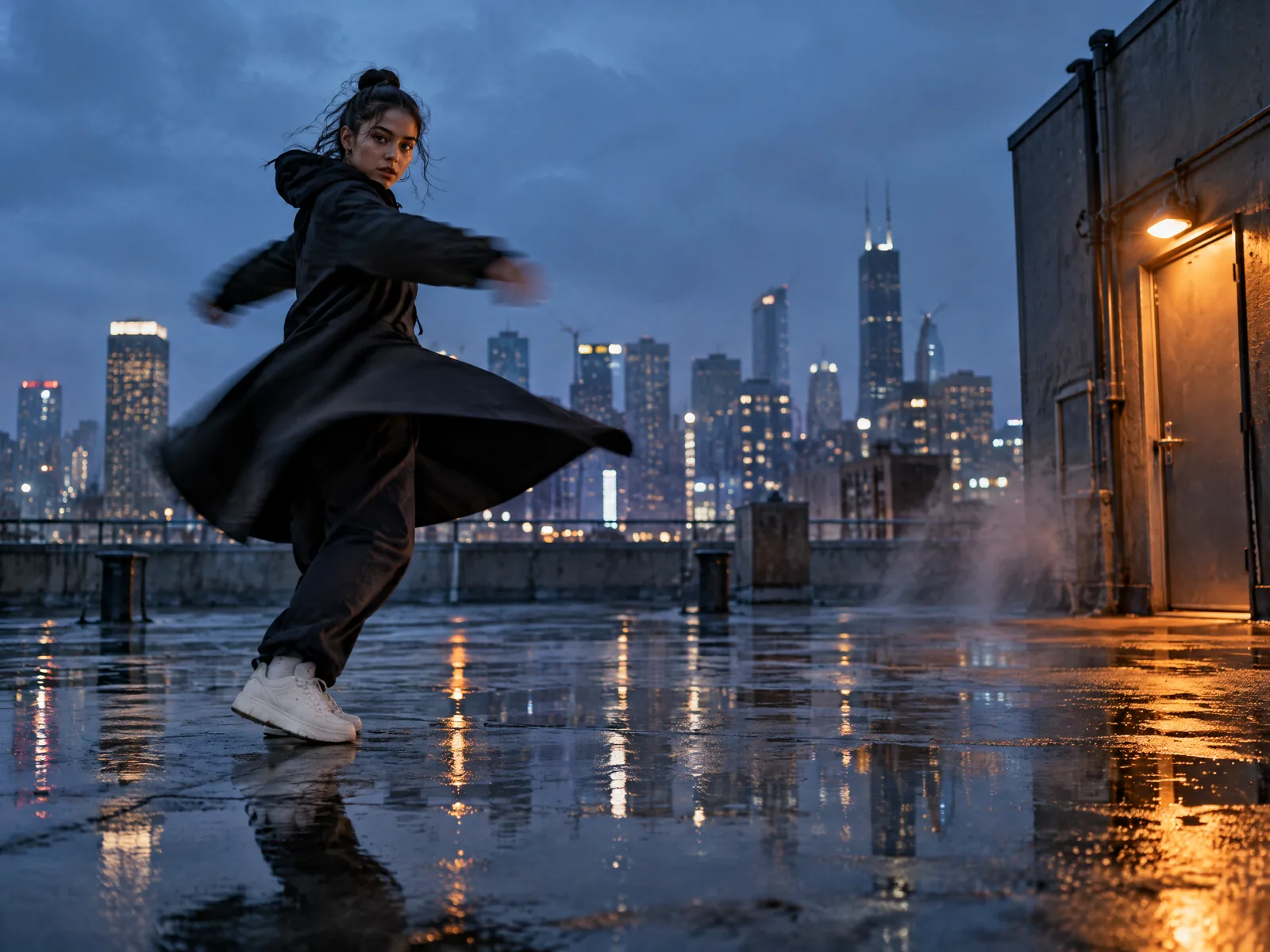
@Image 1 is the dancer. Shot 1: she spins on a wet rooftop at blue hour and her coat flares out. Shot 2: close-up of her sneakers splashing through a puddle. One slow camera move per shot. No subtitles, no logo or watermark.
Questions
What's the difference between Seedance 2.0, Fast and Mini?
They take the same inputs. Seedance 2.0 goes up to 4K, Fast and Mini stop at 720p and cost much less, and Mini is the cheapest of all.
Is Seedance 2.0 or 2.5 better?
Seedance 2.5 is newer, goes up to 30 seconds and takes more references. Seedance 2.0 is cheaper, especially the Fast and Mini versions.
Do I need a separate Seedance subscription?
No. Kubflow gives you Seedance 2.0 and every other leading image, video and audio model with one plan and one credit balance.
Compare with
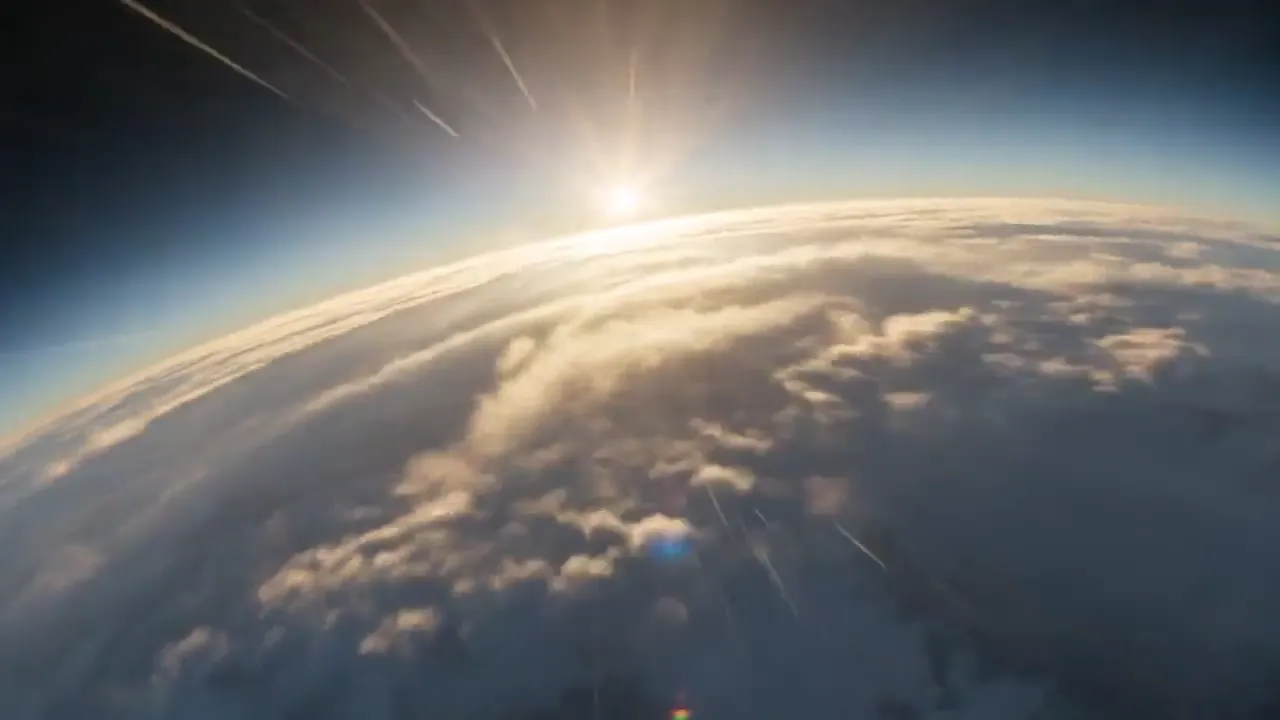 ByteDanceSeedance 2.5ByteDance's flagship video model: top-tier realism, up to 30 seconds, and the most references of any model.
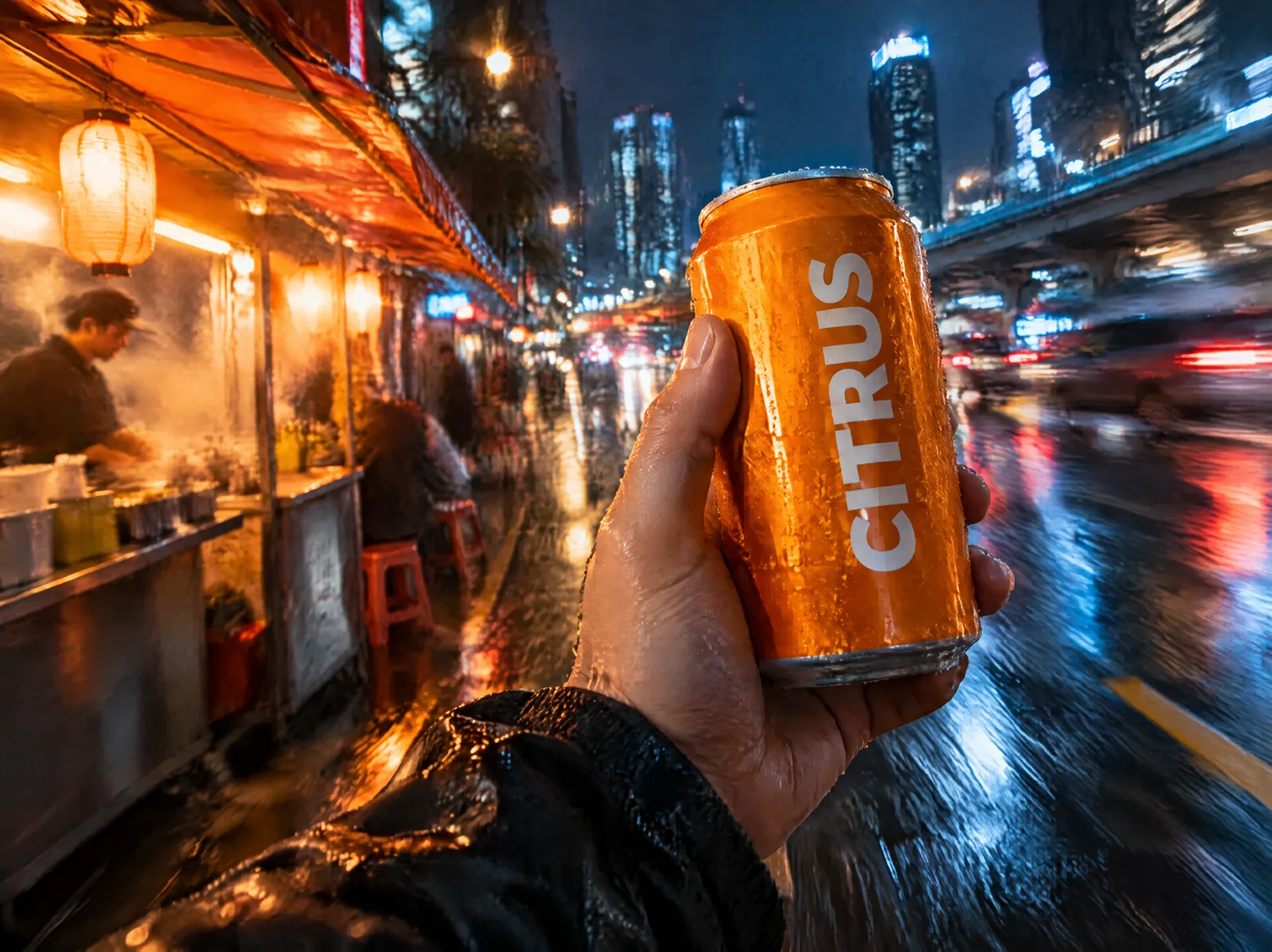 KuaishouKling 3.0Strong motion and faces, and the video model that keeps labels and text from your start frame most faithfully.
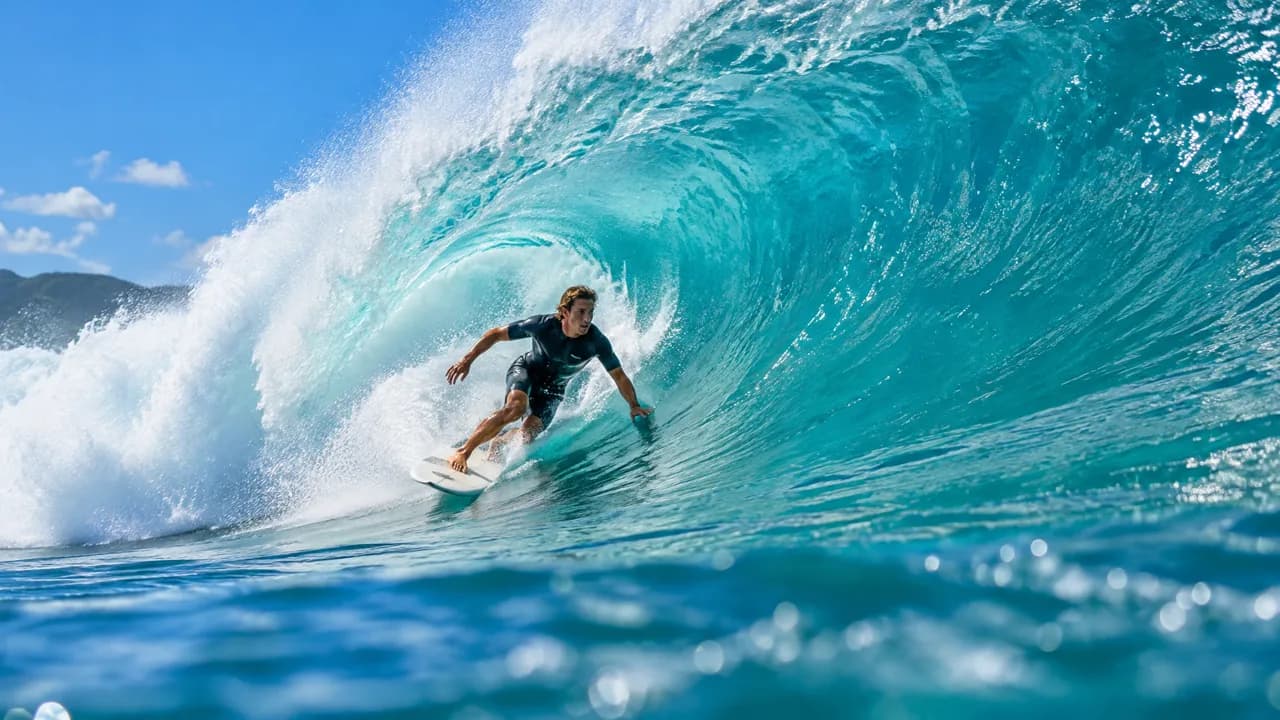 AlibabaWan 3.0Alibaba's video model: up to 30 seconds, with image, video and audio references and sound on by default.
Try Seedance 2.0 today
Plans from $19 a month, with every model included.