
Image to video
Image to Video AI
Turn a product photo or any still into a video with Kling, Seedance, Veo, Wan and more, all in one place.
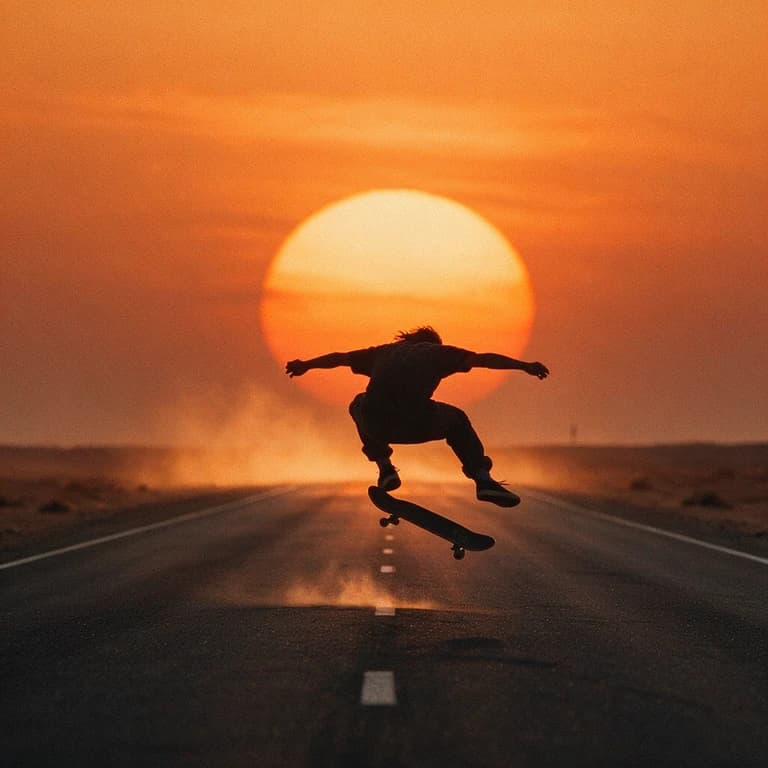
How it works
Upload a photo, describe the motion and camera move, and pick a model. Kubflow has the leading image-to-video models side by side, so you can choose the best one for the shot and pay per video with one credit balance.
- 01
Upload your photo
A product shot, a portrait or any still.
- 02
Describe the motion
What moves, how the camera moves, and the sound.
- 03
Pick a model
Kling 3.0 keeps labels sharp, Seedance 2.5 is the most realistic, Veo 3.1 is cinematic, Grok is the cheapest for drafts.
What you get
Start and end frames
Set where the clip begins and where it lands.
Up to 30 seconds
Seedance 2.5 and Wan 3.0 make clips up to 30 seconds.
Native sound
Kling, Veo, Seedance, Wan and Gemini Omni generate audio too.
References
Keep a character or product consistent with reference images.
The models behind it
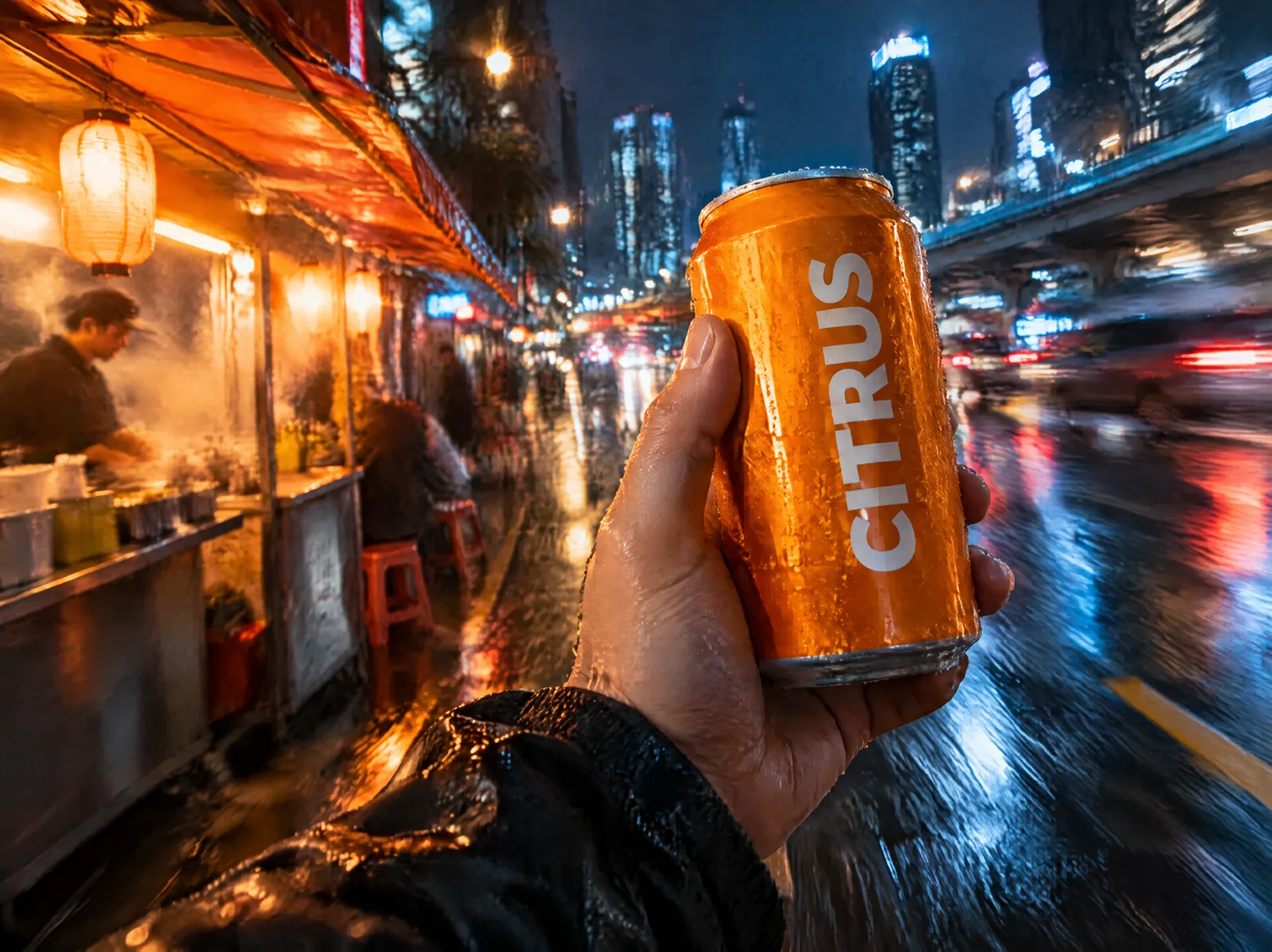 KuaishouKling 3.0Strong motion and faces, and the video model that keeps labels and text from your start frame most faithfully.
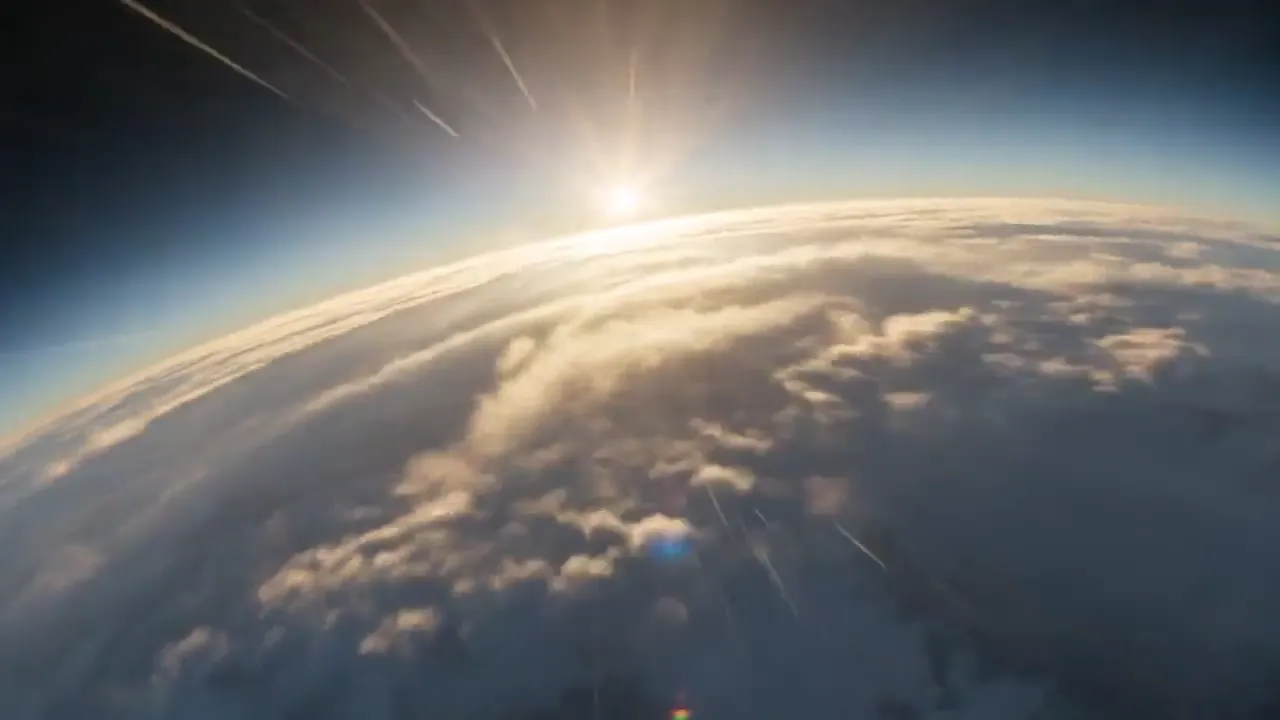 ByteDanceSeedance 2.5ByteDance's flagship video model: top-tier realism, up to 30 seconds, and the most references of any model.
 GoogleVeo 3.1Google's video model with native audio and cinematic camera work, in quality, fast and lite modes.
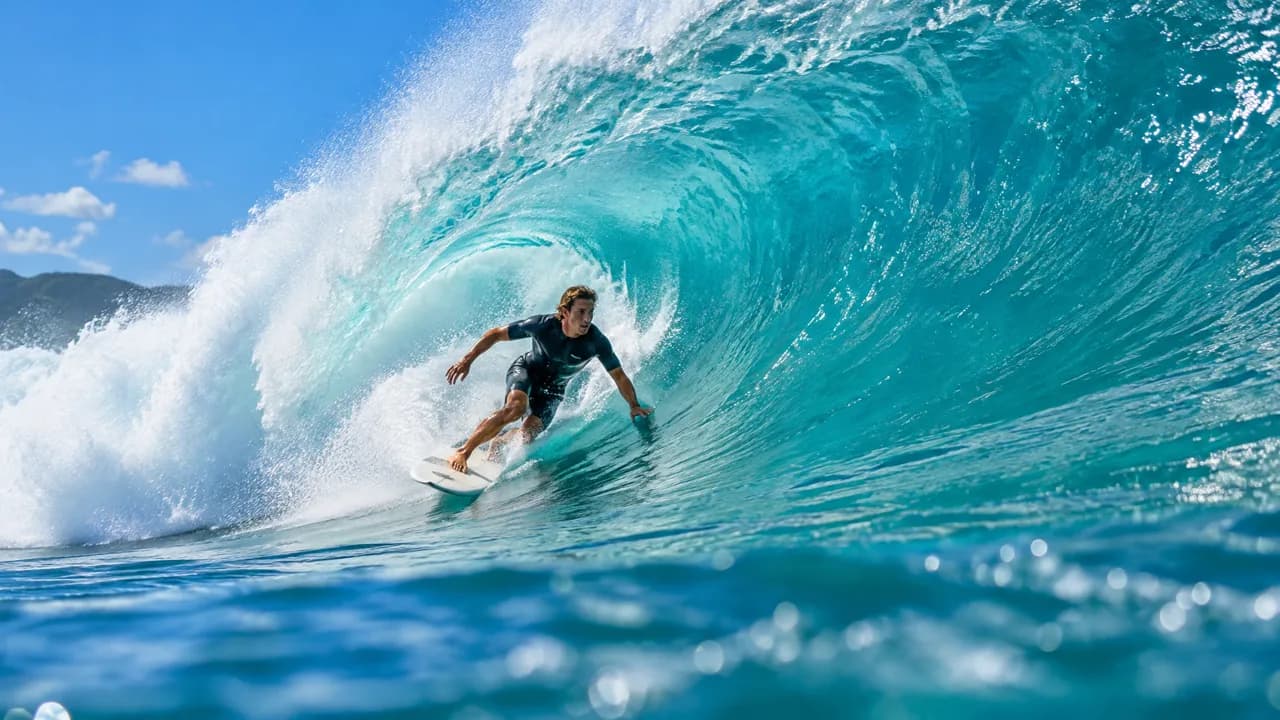 AlibabaWan 3.0Alibaba's video model: up to 30 seconds, with image, video and audio references and sound on by default.
 ByteDanceSeedance 2.0ByteDance's Seedance 2.0 with its cheaper Fast and Mini versions: great image-to-video motion from about 20 credits a clip.
 xAIGrok ImaginexAI's fast, cheap video and image models for drafts, concepts and animating a still.
Questions
Which AI model is best for image to video?
It depends on the shot: Kling 3.0 keeps product labels and text sharpest, Seedance 2.5 is the most realistic, and Grok Imagine is the cheapest for drafts.
How much does it cost?
From about 20 credits for a quick Grok draft to a few hundred for a 1080p Seedance clip; every model shows its price before you generate.
Can I set the last frame too?
Yes. Kling, Seedance, Veo and Wan take a start and an end frame, so the clip lands exactly where you want.
Also on Kubflow
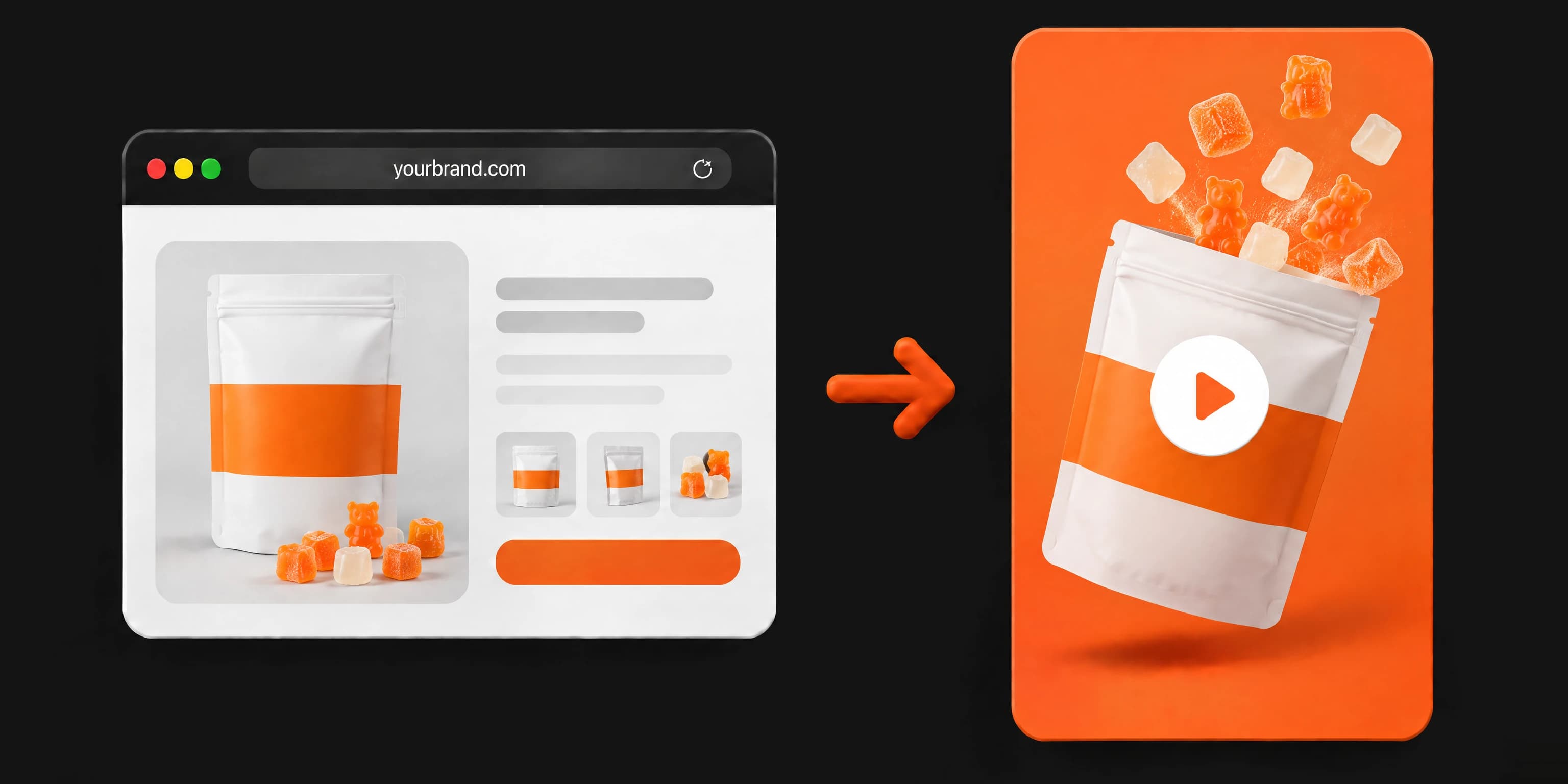 AI video ad generatorPaste your website, a product photo or a short description, and get a finished video ad, ready to post.
 AI product photographyTurn one product photo into studio shots, lifestyle scenes and ad images, with your label kept exactly.
 Clone winning adsUpload an ad that works, from Meta Ad Library, TikTok or anywhere else, and get your own version for your product.
Start making it today
Plans from $19 a month, with every model included.