
AI dance and trend videos
AI Dance Videos
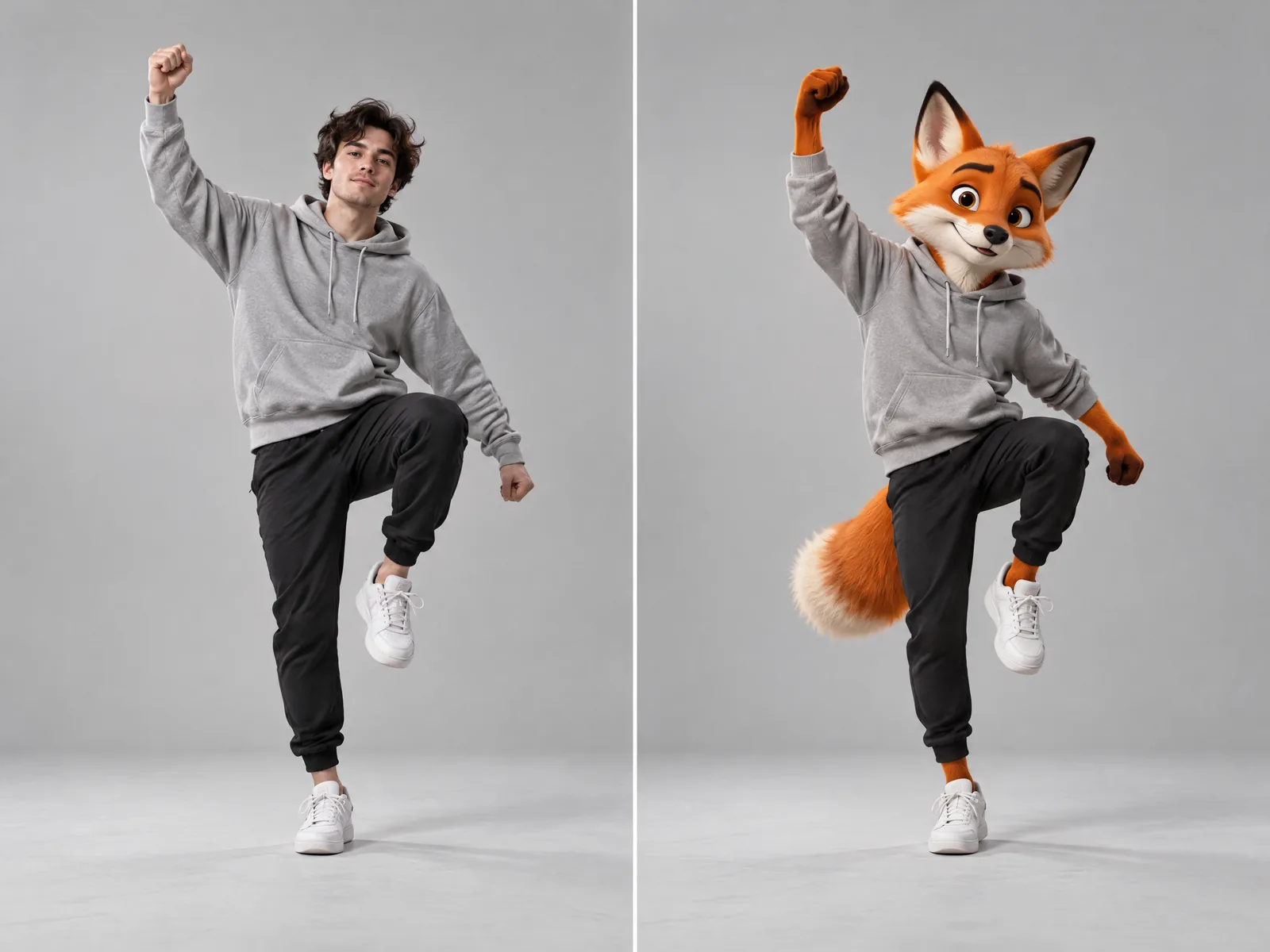
Pick a trending video and a photo, and get the same moves performed by you, a character or your mascot.
How it works
Kubflow's Trends turn viral videos into templates: add a photo and get your own version with the same moves, camera and timing. Seedance and Wan use the trend video as a reference to recreate it with your photo, and in Workflows, Kling Motion Control makes a character copy a movement exactly.
- 01
Pick a trend
Choose a trending video from Trends, or use your own video.
- 02
Add a photo
A clear photo of the person or character who should do the moves.
- 03
Get your video
The same moves and timing, performed by your character.
What you get
Ready-made trends
Popular dances and formats, ready to use.
Any character
Real people, cartoons, 3D characters and mascots.
Exact moves
In Workflows, Kling Motion Control copies the movement from a reference video.
Your own trend
Turn any video into a template of your own.
The models behind it
 ByteDanceSeedance 2.5ByteDance's flagship video model: top-tier realism, up to 30 seconds, and the most references of any model.
 ByteDanceSeedance 2.0ByteDance's Seedance 2.0 with its cheaper Fast and Mini versions: great image-to-video motion from about 20 credits a clip.
 AlibabaWan 3.0Alibaba's video model: up to 30 seconds, with image, video and audio references and sound on by default.KuaishouKling Motion ControlMake any character photo copy the movement of a person in a video: dances, gestures and full performances.
Questions
What kind of photo works best?
A clear photo where the head and upper body are visible, facing the camera.
Can I use my own video as the dance?
Yes. Use one person in one continuous take with a still camera for the best result.
Also on Kubflow
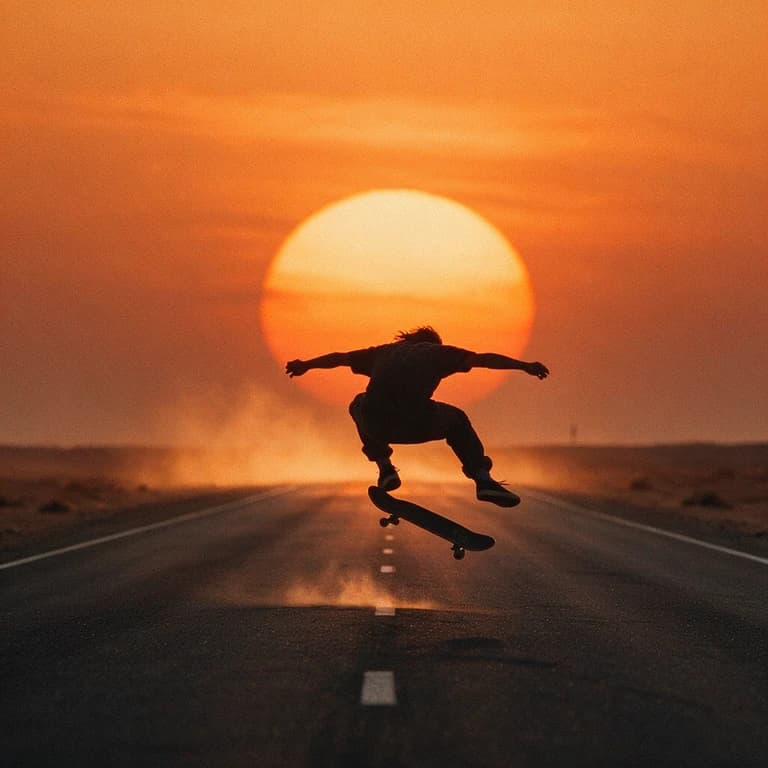 Image to videoTurn a product photo or any still into a video with Kling, Seedance, Veo, Wan and more, all in one place.
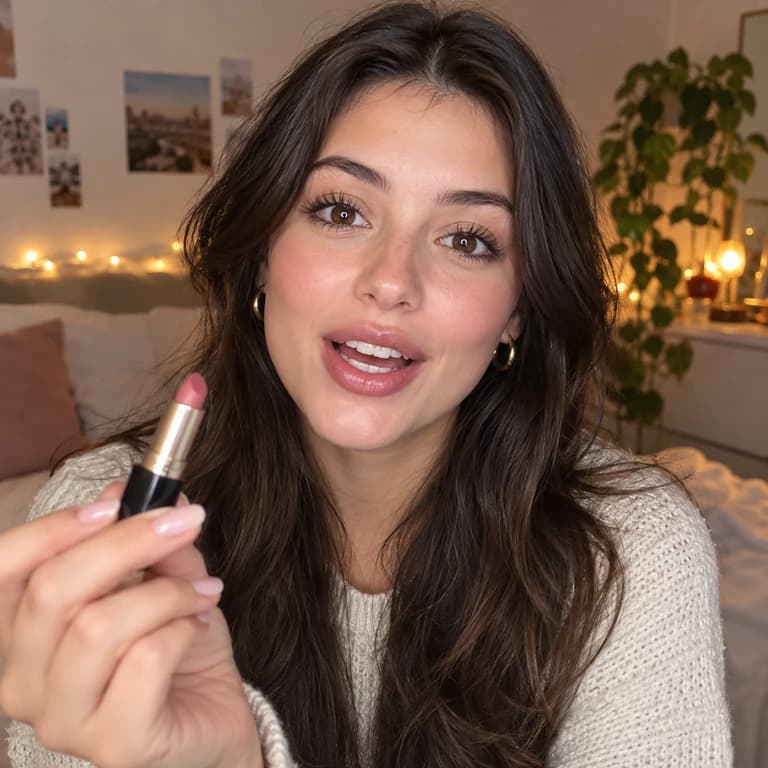 AI UGC adsPick from 92 ready-made AI creators, real-looking or animated, and have them present your product on camera.
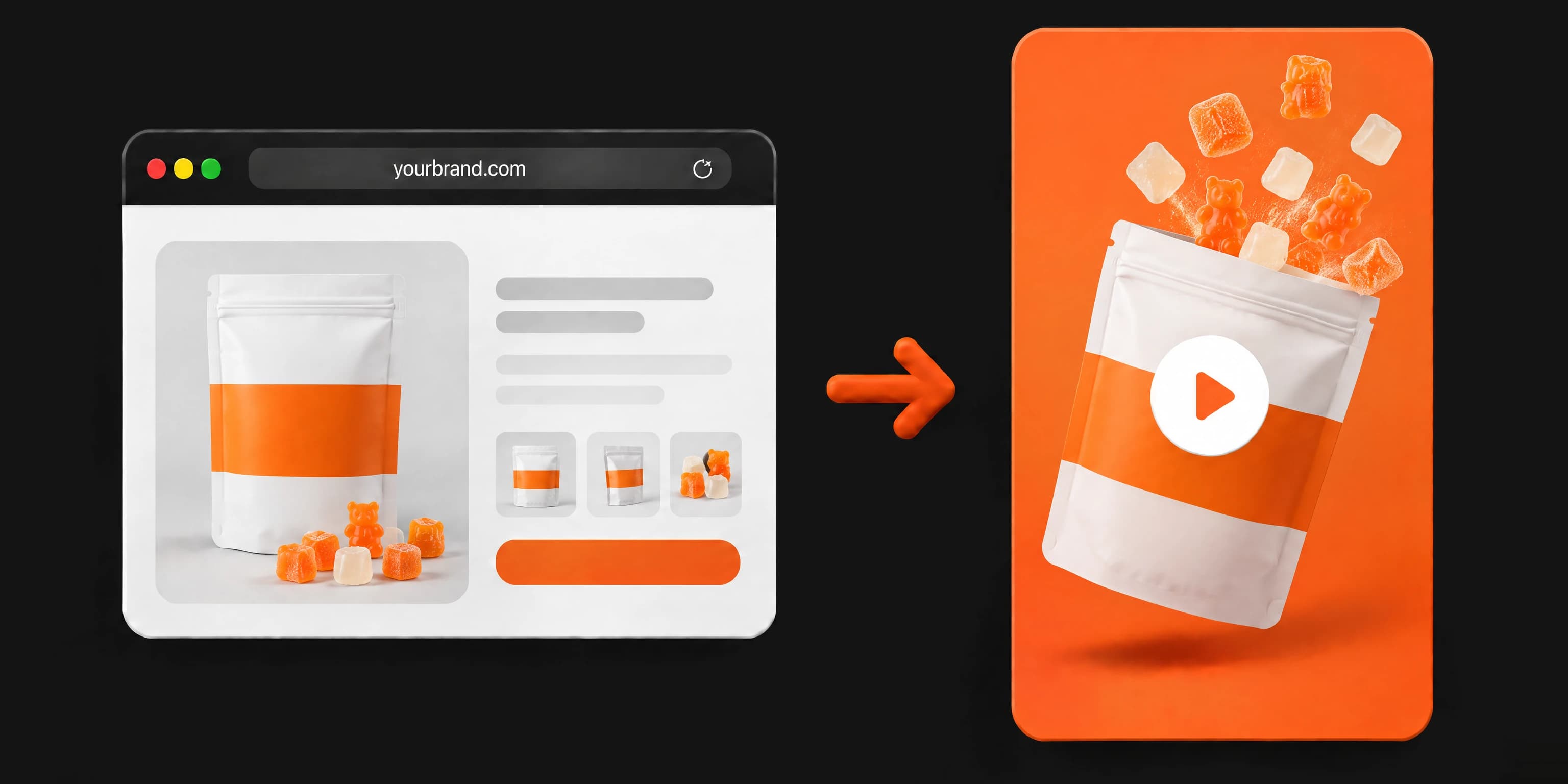 AI video ad generatorPaste your website, a product photo or a short description, and get a finished video ad, ready to post.
Start making it today
Plans from $19 a month, with every model included.